Give your Mac
room to breathe.
Aire shows your disk as bubbles, cleans what is safe with one click and fully uninstalls apps. Native, private and designed like a Mac app should be.
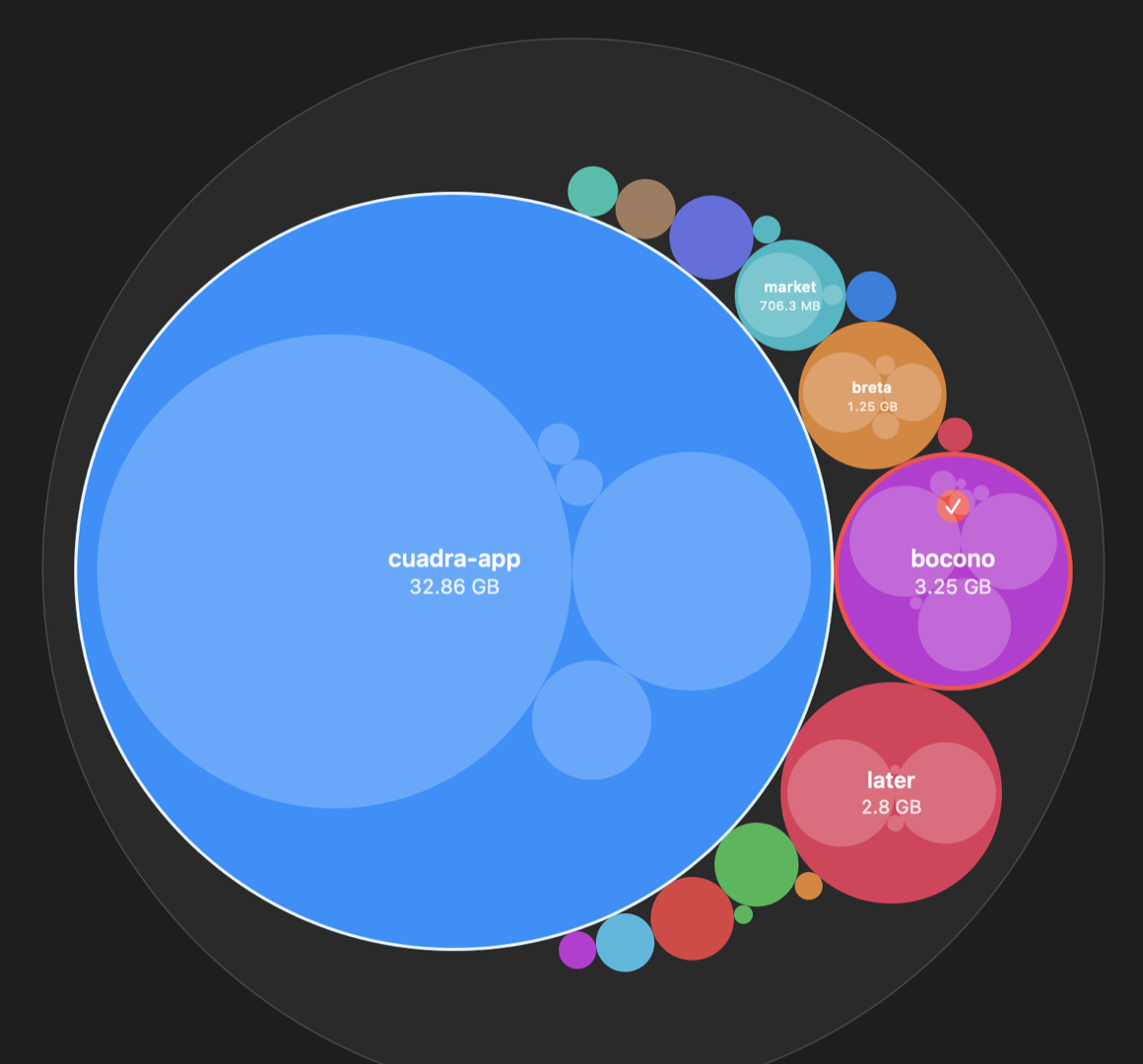
Aire shows your disk as bubbles, cleans what is safe with one click and fully uninstalls apps. Native, private and designed like a Mac app should be.
Aire finds what is taking up space, separates what is safe to delete from what you should review, and never touches your system, iCloud, Keychain, Mail or Photos.
Every folder is a bubble. Click to zoom inside and find forgotten files in seconds.
Caches, logs, Xcode DerivedData, simulators and package caches. Regenerated automatically, cleaned in one click.
Removes the app and everything it leaves behind: support files, caches, preferences, containers and launch agents.
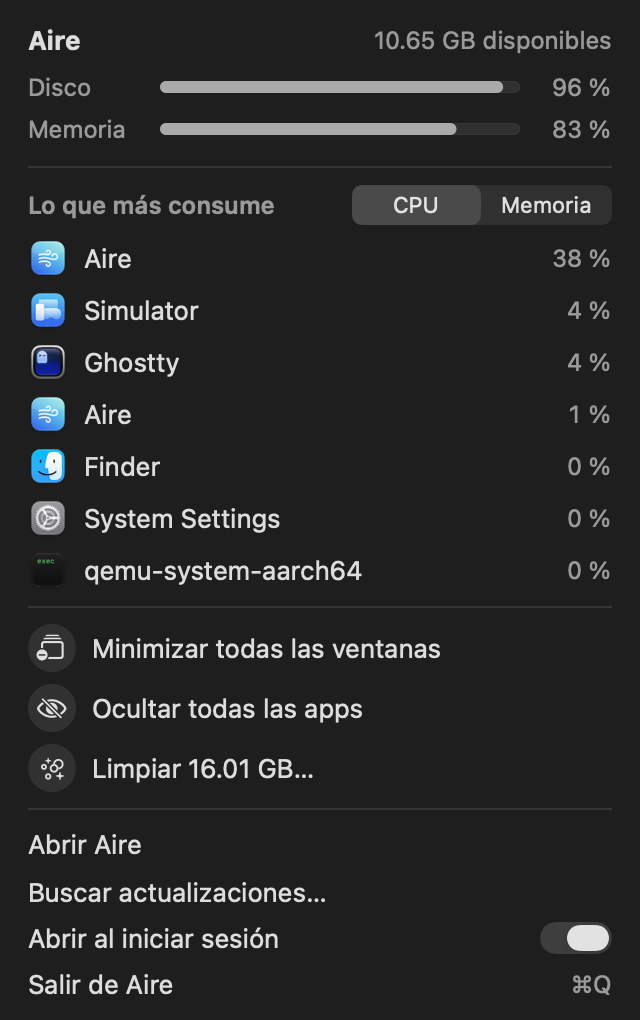
Close the window and Aire keeps living in your menu bar: see which apps consume the most and control them instantly.
Free DMG. Updates install automatically.
Download Aire.dmgGet the latest version directly from this page.
Open Aire.dmg and drag Aire.app to Applications. The first time, right-click it and choose Open.
On first launch, allow Full Disk Access once. No more prompts folder by folder.